Our Dinner

“What’s for dinner?” answered for your whole household.

Tell it who you cook for once, and every dinner idea works for the whole table. Shop one shared list sorted by aisle, keep track of your kitchen, and keep the family recipe book in one place.

Open Our Dinner on the web Already using Our Dinner? Browse your recipe book, see what’s in the kitchen and check off the shopping list from any browser.

Get the app

Download on the App Store Get it on Google Play
QR code that opens Our Dinner in your phone’s app store
Scan with your phone’s camera to install

Free on iPhone, iPad and Android.

Everything for dinner, in one app
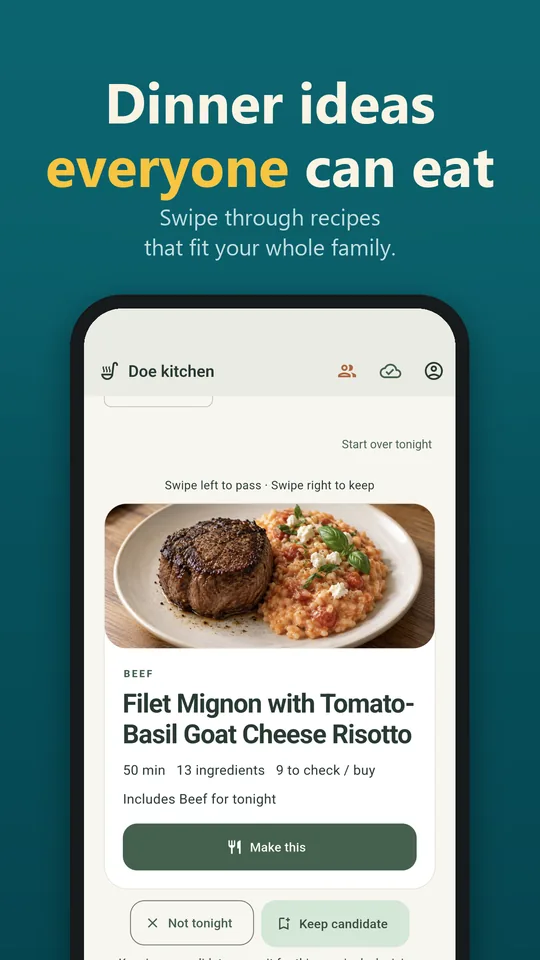
Swiping through dinner ideas
Dinner ideas everyone can eat. Set the mood for tonight (something new, less effort, or familiar favorites) and swipe through recipes from your book, the web or fresh custom ideas.
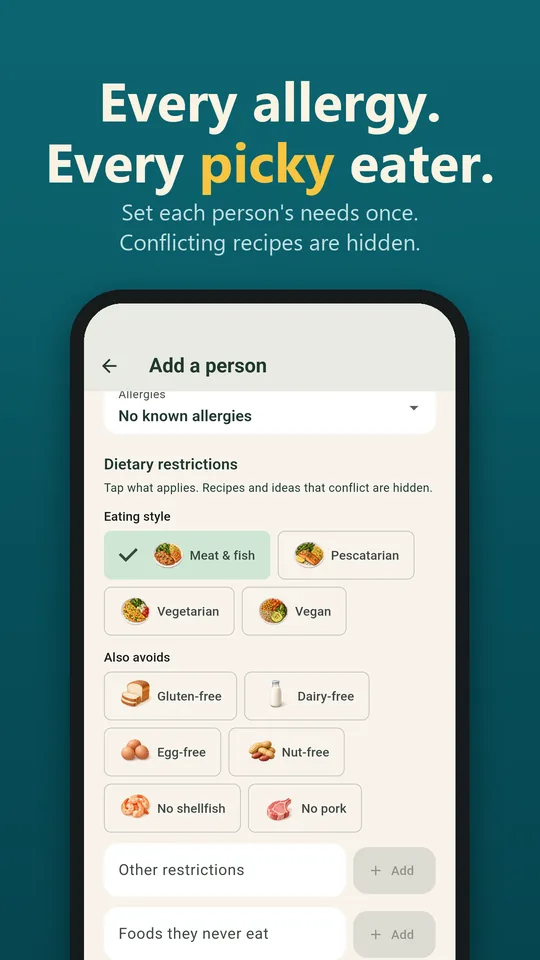
Setting a family member’s allergies and dietary needs
Allergies and picky eaters, remembered. Set each person’s allergies, foods they never eat and how much heat they can handle. Recipes that clearly conflict are hidden, so you’re not cooking two meals. Always check ingredients and labels.
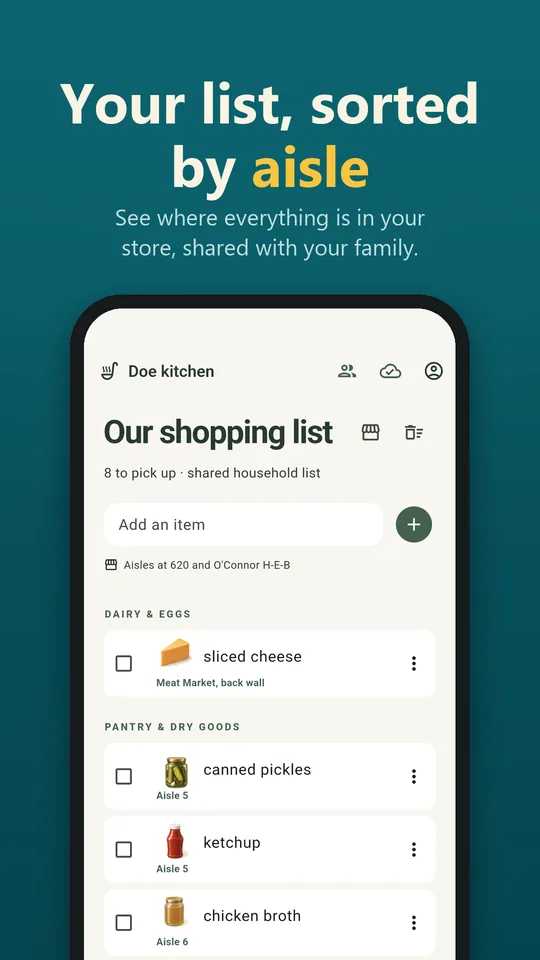
Shopping list with aisle numbers
Your list, sorted by aisle. Add what you’re missing in one tap and see where each item is at your store. Supported chains include Kroger stores, H-E-B, Publix, Walmart and Wegmans.
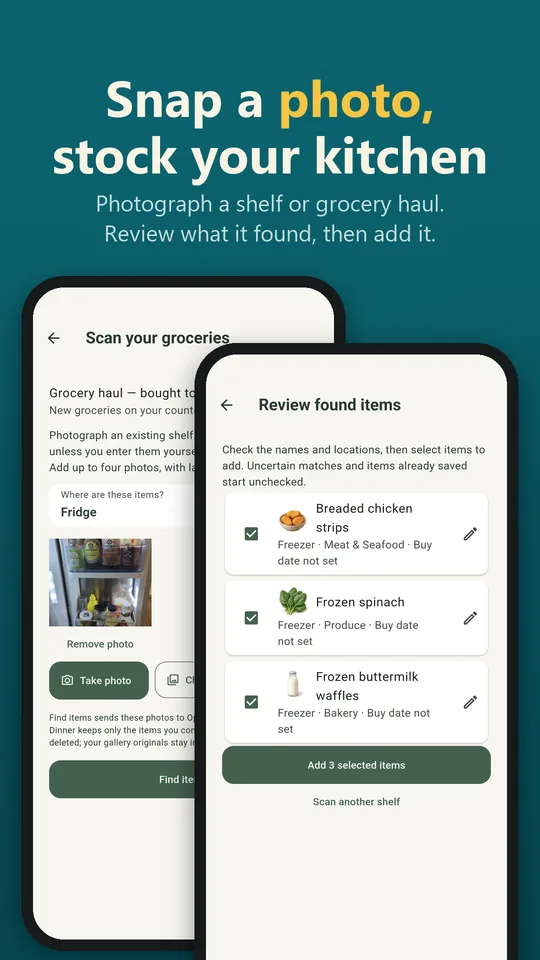
Scanning groceries to stock the kitchen
Snap a photo, stock your kitchen. Photograph your fridge, pantry or grocery haul to fill in your inventory, then use things before they spoil. Checked-off groceries are added for you.
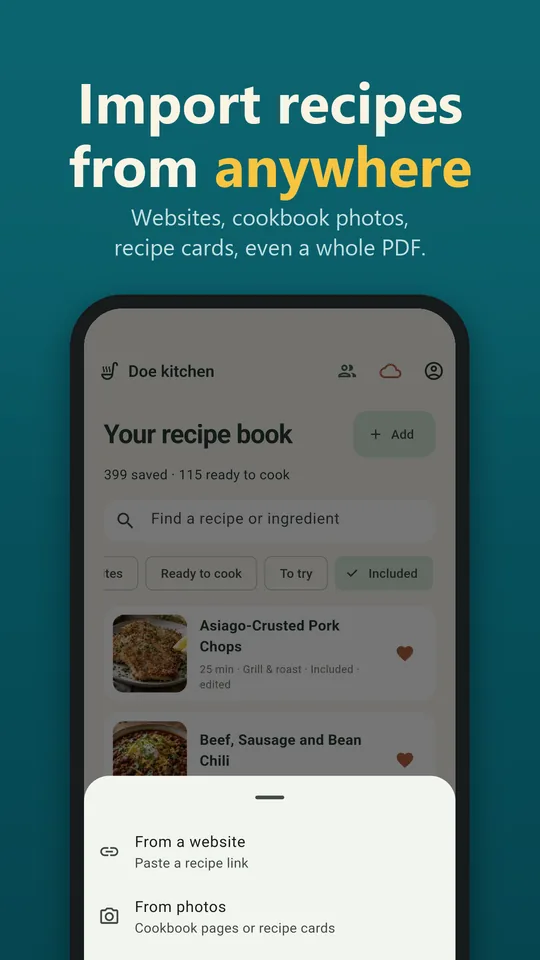
Ways to import a recipe
Import recipes from anywhere. Websites, cookbook pages, handwritten recipe cards, or a whole collection from a document or PDF.
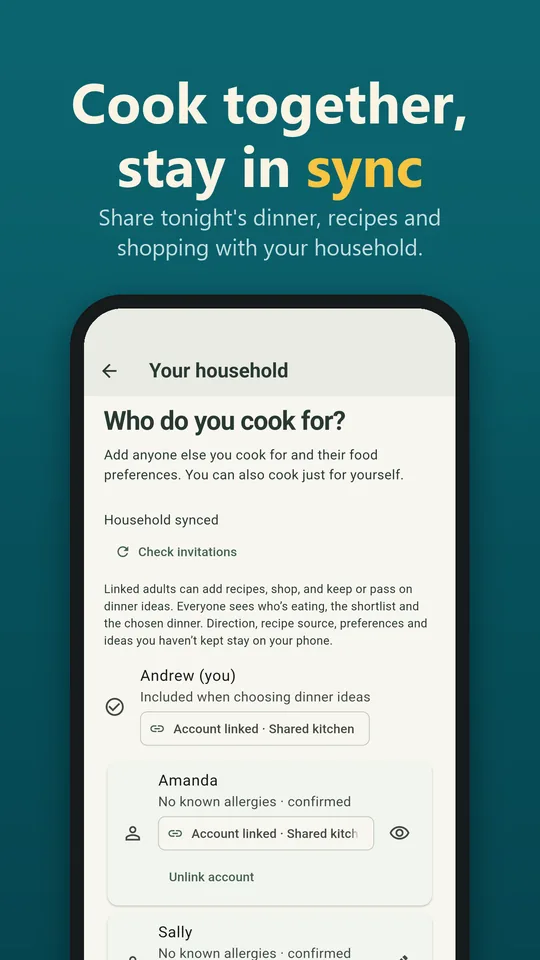
Household members sharing a kitchen
Cook together, stay in sync. Invite your household to share tonight’s dinner, the shopping list, the kitchen and the recipe book on every phone.